A Pragmatic PM's Guide to Generative AI
What it gets right, what it gets wrong, and how to use it without getting torched. There is no doubt that AI can greatly augment your work, and help you get to defensible positions without getting bogged into the tactical morass

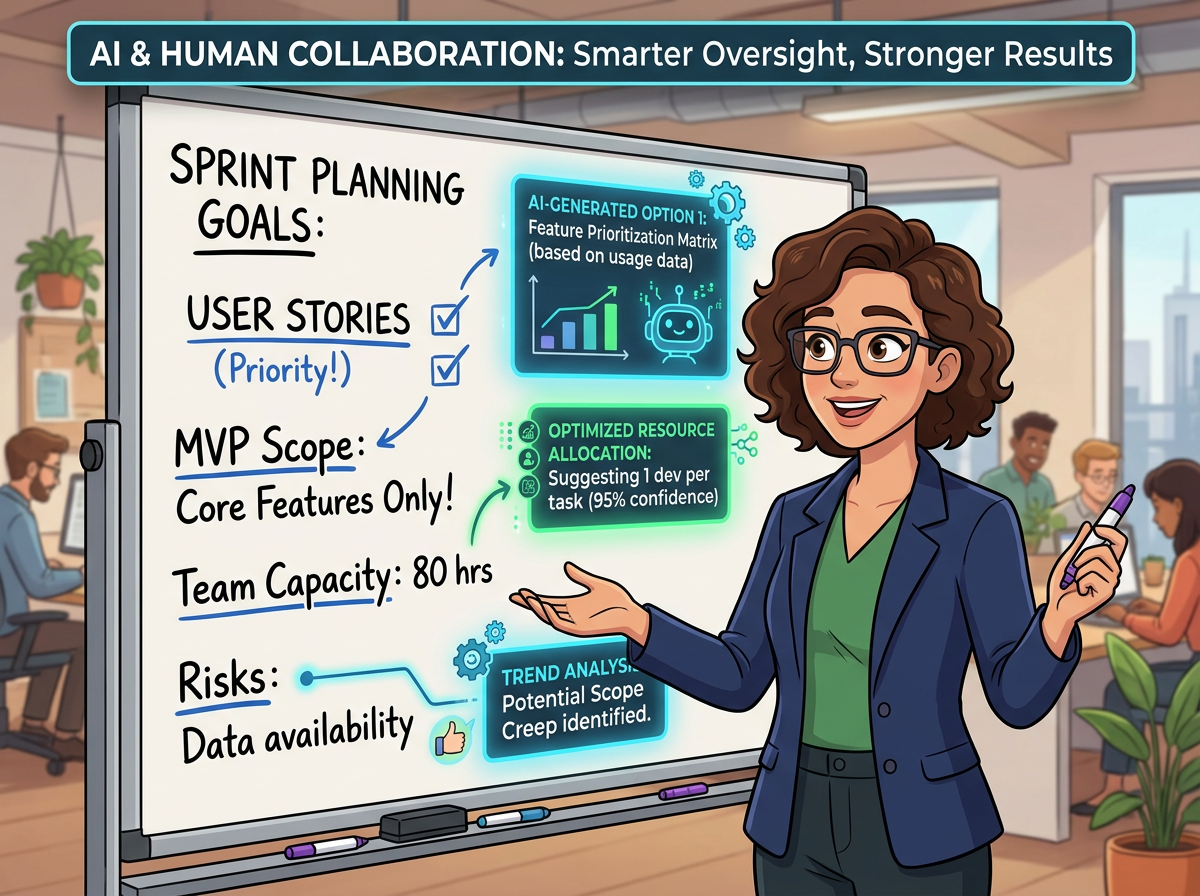
The Pragmatic PM's Guide to Generative AI: What It Gets Right, What It Gets Wrong, and How to Use It Without Getting Burned
I am a skeptic on Generative AI (GenAI). It is not that I don't think it can do amazing things. It can. It can be truly impressive.
As an example, we are toying with building some training (we build IT training and certifications) and were looking at what the market size was worldwide for Cybersecurity training. In the past, I would have had to do a ton of Google searching, read through market reports (training is well covered, but the reports cost bank) and piece it together. If it was something easy, it would take a day. If it was obscure, it could take a week to get to a semi-believable number for TAM, SAM, and what we might be able to capture of it.
Instead, I used our internal system (our Infosec people have approved our use of this tool, and they have guardrails to prevent leakage), told it to use the internet, and it spit out an answer in about a minute. I checked it — as it shared the number as part of the total WW market for IT training, a figure we have independent verification of — and it was within a percent or two.
Then I wanted projected growth over the next four years, with a year-by-year breakout and a CAGR. Fifteen seconds later I had a table I could paste directly into the slide deck. Less than half an hour start to finish, including my validation that it was good enough for the business justification. The 2015 version of me would have required a week.
And since we build training, the AI tools that facilitate content creation are equally impressive — and getting better fast. Soon, one person, a subject matter expert, will be able to do the work that once required a small army. Creation of the content, generation of graphics and images, recording and post-processing of videos, and assembly into an LMS-compliant bundle (SCORM, if that's your flavor) used to require four teams, dozens of people, and roughly six months. These new tools can do all of that, and if the SME finds an issue, they can simply direct the changes. Content can be ready for publication in days — including QC and post-production tweaks — and it can be updated seamlessly as the technology landscape shifts, in near real time.
That was a long introduction, but as a self-avowed skeptic I wanted to be clear: I am not a luddite. This stuff is genuinely useful. My skepticism is specifically about what happens when it gives you garbage. Because it does. Often. There are hallucinations, yes, but more insidiously, an improperly phrased prompt will do exactly what you told it — and you won't always realize you gave it bad instructions until you're deep in the shit.
What You Need to Know and Internalize to Effectively Use GenAI
This brings me to the crux of the post. There are four things that knowledge workers — and PMs in particular — need to ingrain:
- Is the desired task something that AI is suitable for?
- Which AI tool is right for the job?
- How do you prompt and refine to get a good answer?
- Apply human discernment before using the result.
Let's go through each one.
Is AI Right for the Task?
GenAI is not universally perfect, and in some cases it's genuinely unsuitable. The current buzz around agents — the combination of GenAI with API calls to do things autonomously — has been promised "any day now" for more than a year. So far, mostly disappointing. One well-publicized incident even resulted in a deleted production database. Tread carefully there.
That said, for a large swath of knowledge work tasks, it is the right tool. The key is recognizing the pattern: tedious, time-consuming, research-heavy, or templated tasks are almost always great candidates.
Basic market sizing, as I mentioned, is a sweet spot. So are first-pass competitive analyses, SWOT breakdowns on key competitors, drafting PRDs, and even prototyping ideas in Python. For us, generating the multiple-length descriptions our content platforms require (25-, 50-, and 150-word versions, plus target audience and skill level) used to eat up meaningful time. Now I pipe the content into the model and get all of them in seconds — using our guardrailed internal version, not a public model, which matters a lot for IP protection.
My recommendation: just try it. If the output looks off or feels wrong, stop and reconsider the approach. Trust your instincts! The current crop of models surprises people regularly with what they can handle. But they are not Gods, and they don't really "think."
What Is the Right Tool?
For text-centric work, the honest answer is that all the major chatbots are solid, and the differences are at the margins — except where they aren't. Claude tends to be notably better for code-related tasks and long-form writing. ChatGPT has breadth and a strong plugin ecosystem. Gemini is deepening its integration with Google Workspace, which matters if that's your environment.
I do want to caution you. Odds are that your employer has a policy on AI use, and may have internal, "approved" flavors of the majors. Whatever you do, follow those guidelines, because using public models and providing sensitive information can and does cause data leakage, and that is very very bad.
Beyond the base models, there are purpose-built ecosystems layered on top of them. Cursor and Replit, for instance, take the underlying models and wrap them in a development-specific UX that makes them significantly more useful for engineering work than the raw chatbot interface.
The tools PMs live in daily have all started bolting on AI features — Jira, Figma, Miro, and others. My honest take: most of these feel like table-stakes additions right now, not genuine workflow improvements. They check the "we have AI" box without meaningfully changing how you work. There are exceptions. Jira's AI search, which can interpret a messy, half-formed query and still surface what you actually wanted, is genuinely useful once you've experienced it.
One tool worth a specific callout: Prezent with the 'enhanced' subscription is excellent at building individual slides. Ask it to create a five-slide executive overview and it stumbles. Narrow the scope to a single slide with a clear directive, and it delivers. That pattern — narrowing scope until you find the model's sweet spot — is something you'll repeat constantly across tools. Get used to it.
Getting the Right Prompt
All of these tools live and die by the quality of the input you give them. Virtually every interface today is a dialog box, text in, text out, and the craft of getting what you want out of that box is legitimately learnable.
A few principles that have worked for me:
Start simple, then layer context. Don't try to write the perfect prompt on the first pass. Give it a simple version of the ask, add the context you have, and let the model respond. Then refine from there. Iterating in conversation almost always produces better results than trying to front-load everything into a single monster prompt.
Be explicit about the output format you want. If you need a table, say you need a table. If you need a 150-word paragraph, say 150 words. The models will happily give you something adjacent to what you want if you leave room for ambiguity, and "adjacent" isn't always close enough.
Give it a role or perspective. "You are a product manager with 15 years of experience in B2B SaaS" produces meaningfully different output than no framing at all. The model takes the role seriously and adjusts the depth and tone accordingly.
Push back when it's wrong. One of the most common mistakes I see is people accepting the first answer. These tools respond well to "that's not quite right, because X — try again with Y in mind." They don't get defensive. They don't take it personally. They iterate.
And one hard rule: do not paste proprietary data, customer information, or anything you wouldn't want to see on a billboard into a public model. Use a guardrailed enterprise tool for anything sensitive. I can't emphasize this enough.
Apply Human Discernment Before Using the Result
This is the step most people skip, yet it is the most critical one.
GenAI outputs look authoritative. They are well-structured, clearly written, and confidently stated — even when they're wrong. The formatting alone can create a false sense of credibility. A hallucinated statistic wrapped in a clean table with a cited source that doesn't actually contain that data is still a hallucinated statistic.
The standard I've landed on: corroborate anything that will be used to make or justify a decision. In my cybersecurity market sizing example, I checked the output against a number I already knew. That gave me confidence in the adjacent numbers I didn't independently know. That's the pattern — anchor to things you can verify, and let that calibrate your trust in the rest.
For tasks where validation is harder (early-stage market analysis, competitive intelligence on a private company, summarized research), treat the output as a strong starting point, not a finished answer. It's a research assistant that works quickly and never sleeps, not an oracle. It gets you to 70% faster than you'd ever get there alone, but the last 30% — the judgment, the synthesis, the decision — is still yours.
The Honest Bottom Line
I started this post calling myself a skeptic, and I'll end it the same way — though I'd refine the label now. I'm a pragmatic skeptic. I've watched the hype cycle on enough technology to know that the gap between the demo and the production reality is where most tools go to die.
GenAI is different in that the gap, for a meaningful set of tasks, is actually pretty small. The cybersecurity market analysis that used to take a week now takes 30 minutes including validation. The training content that used to require a team and six months is on track to require one person and a few days. Those are real, significant efficiency gains, and dismissing them because hallucinations exist would be its own kind of error.
But the guardrails aren't optional. Know what the tool is good at. Use the right tool for the job. Prompt with intention. And check the work before you ship it.
The PMs who figure out that workflow — and build it into their daily practice — are going to have a significant advantage over those who either dismiss the tools entirely or use them naively. Neither extreme serves you well.
That's the pragmatist's take. Your mileage will vary, but the experiment is worth running.
Do you have any experiences you might want to share? Drop them below.